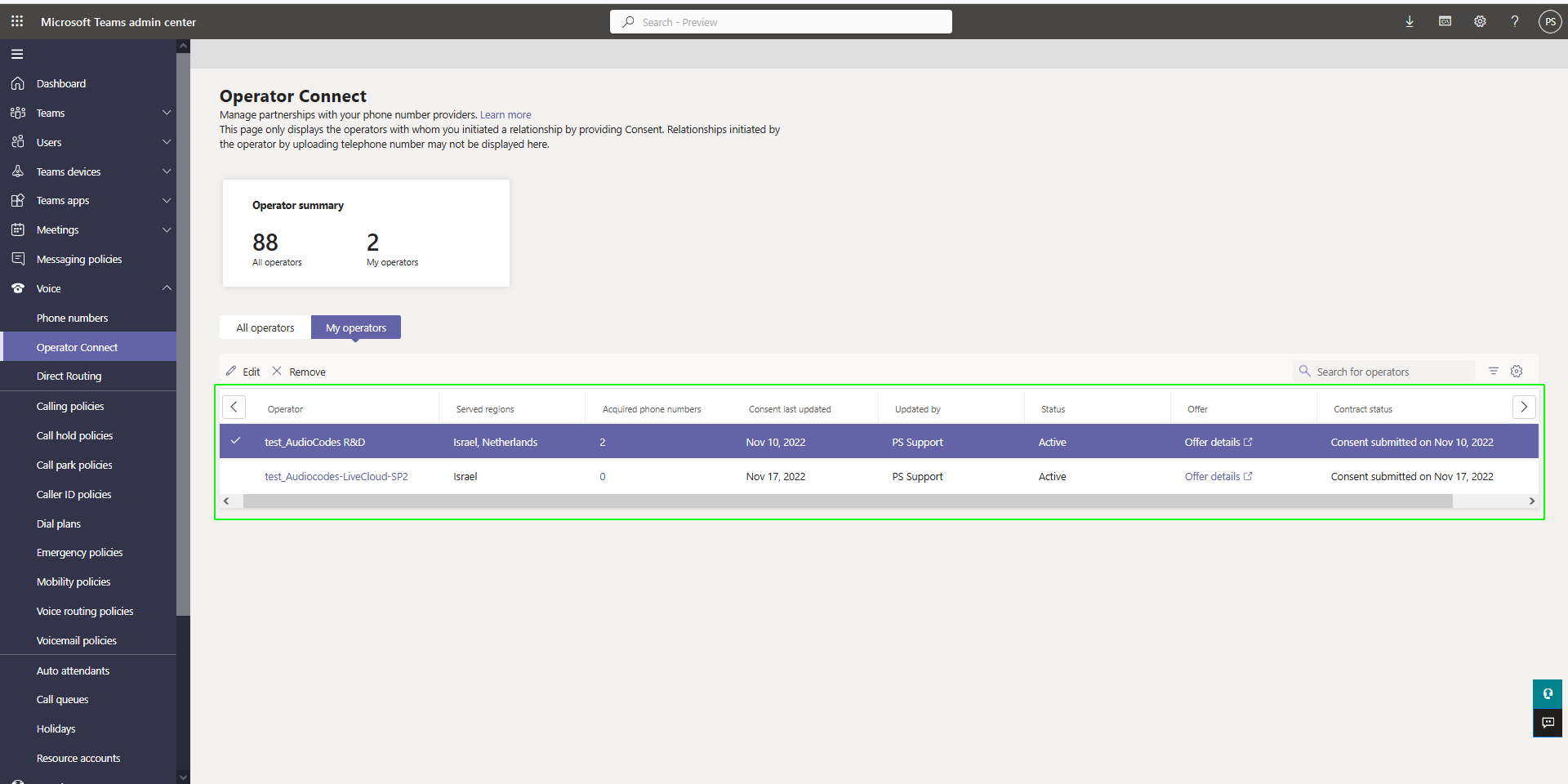
Triggering the Partnering process
You can trigger the partnering process by creating a lead to Microsoft Operator Connect either directly from your Teams admin center or your carrier operator can trigger the process from Live Platform. You may receive an email notification from your carrier operator if the lead is created on Live Platform. Once the lead is created, you need to configure Calling regions and Country size in your Teams admin center. The lead is then sent to Microsoft for approval and your operator creates a new service on Live Platform with the OC Essential license. You are then connected to a calling trunk and your operator can upload and manage numbers on your tenant. Uploaded numbers are validated according to the countries configured in the Operator Settings shown below.
The name of your new Operator Connect customer is derived from the name of the Microsoft 365 tenant. You can optionally change this name in the Microsoft 365 admin center prior to joining (see Customizing Azure Tenant Name).
| ➢ | Do the following: |
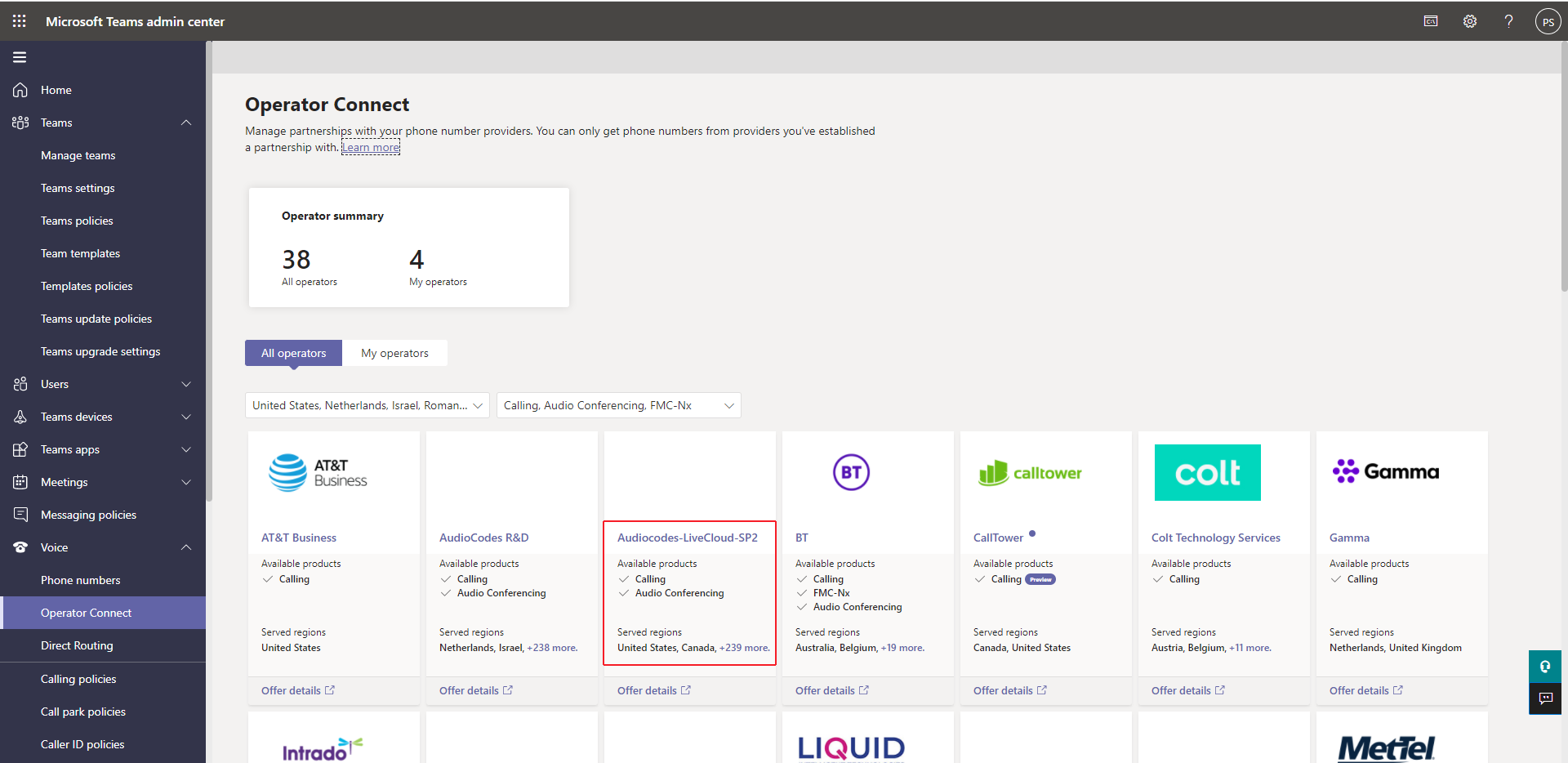
| 1. | In the Teams admin center, navigate to Voice > Operator Connect and then choose the desired operator carrier. |
In example below, "AudioCodes-LiveCloud-SP2". The Operator Settings are configured with "Canada" and "United States".
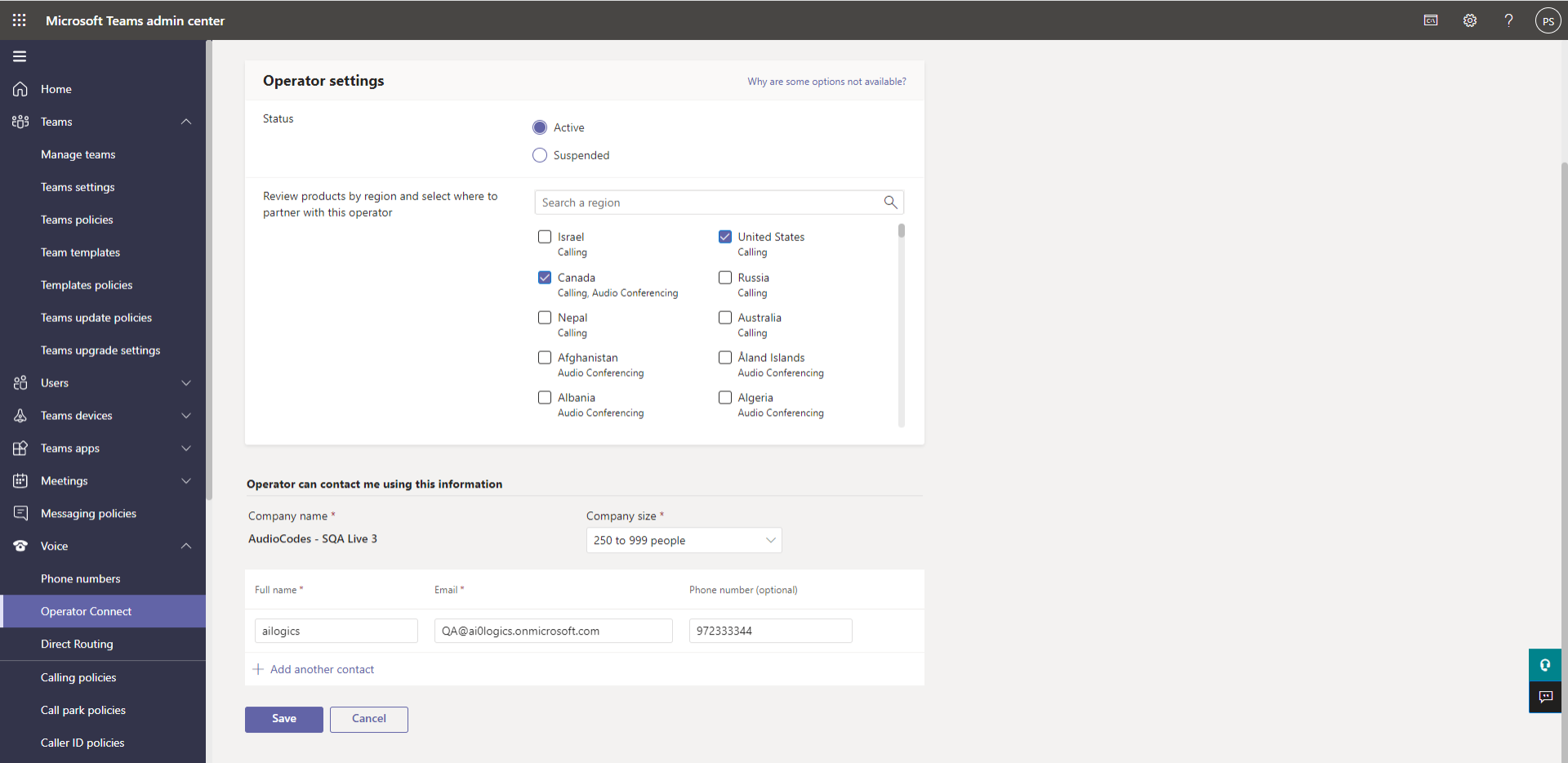
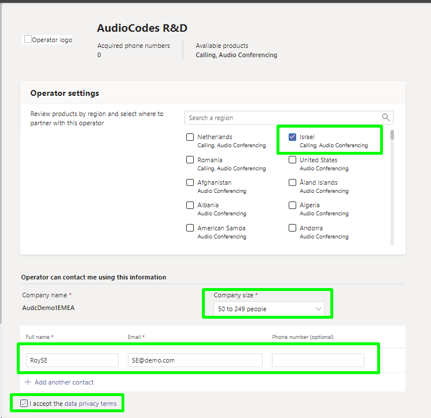
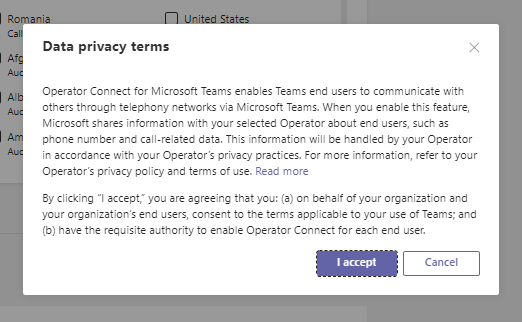
Once the settings are saved, the request is sent to Microsoft for approval. The consented operator details are displayed in the figure below.